
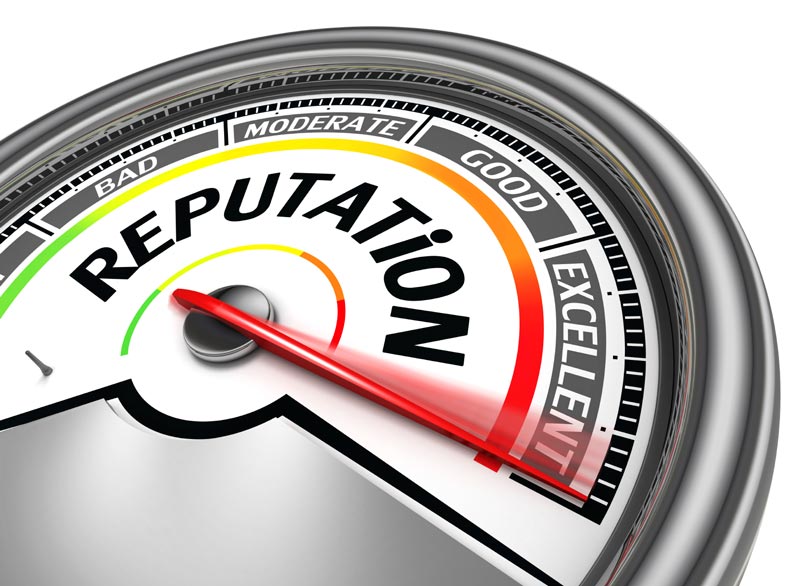
There was a time when a physician’s reputation relied heavily on word of mouth and patients referrals. However, as time progresses, patients are becoming more connected through use of the internet. Most patients are aware that, if they want a quick and accurate snapshot of a physician at a general practice or a specialty practice, they simply need to head online to access countless reviews from previous patients.
Because of this, it is important that you make an effort to manage your reputation as a physician and medical practice as it is conveyed online. One of the most popular ways to review physicians is through Yelp. Making yourself familiar with Yelp, and taking five steps to manage your online Yelp reviews is very beneficial in obtaining new and loyal patients for your general or specialty practice.

Point satisfied customers to your Yelp profile. In order to encourage patients to leave reviews about their experience, they need to know you are present on Yelp. Here’s the thing: it is against Yelp guidelines to solicit positive reviews for your Yelp profile according to Entrepreneur. The best way to avoid violation of this guideline is to focus on letting satisfied customers know about your Yelp page. This can be done through word of mouth, posting a Yelp QR code, or signage in your practice.
Add a Yelp QR Code. A Yelp QR code is a code that can be scanned by your patient’s smartphone. When they scan the QR code designated to your business, it immediately takes them to leave a review on your page. A QR code can be created by posting the URL for your business’s Yelp page into an online QR generator.
Remove reviews that violate Yelp guidelines. Yelp carefully outlines their guidelines for posting both negative and positive reviews. According to their website, reviews left by customers must be accurate, they must reflect an actual experience instead of what has been heard thru word-of-mouth, and any review updates should include new information instead of repeating or rehashing something already posted. If you feel a patient review violates any of these guidelines, Entrepreneur suggests your report it and have it reviewed.
Be aware of HIPAA Guidelines: While most marketing experts recommend business owners respond to reviews on Yelp, physicians are in a different situation because of HIPAA laws. If you choose to respond to online reviews, be aware of compliance.
Use feedback to improve your physician practice. Improving your reputation online is important to your practice. However, the main purpose of feedback is to improve your medical practice and your customers experience. Pay attention to negative reviews, and carefully evaluate if patient complaints indicate an area for improvement. Additionally, use positive comments as an indicator of what you are doing right, and what you should keep doing to maintain a positive patient experience.
By following the above tips and embracing Yelp and other physician practice review sites, like HealthGrades.com, Google+, ZocDoc, Vitals and RateMD.com, you can take positive steps to ensure your practice’s online reputation works to grow your medical practice, rather than shrink it.